Voice in.
Clean text out.
Premium, offline, privacy-preserving desktop speech-to-text. Powered by Whisper. Runs entirely on your Windows machine.
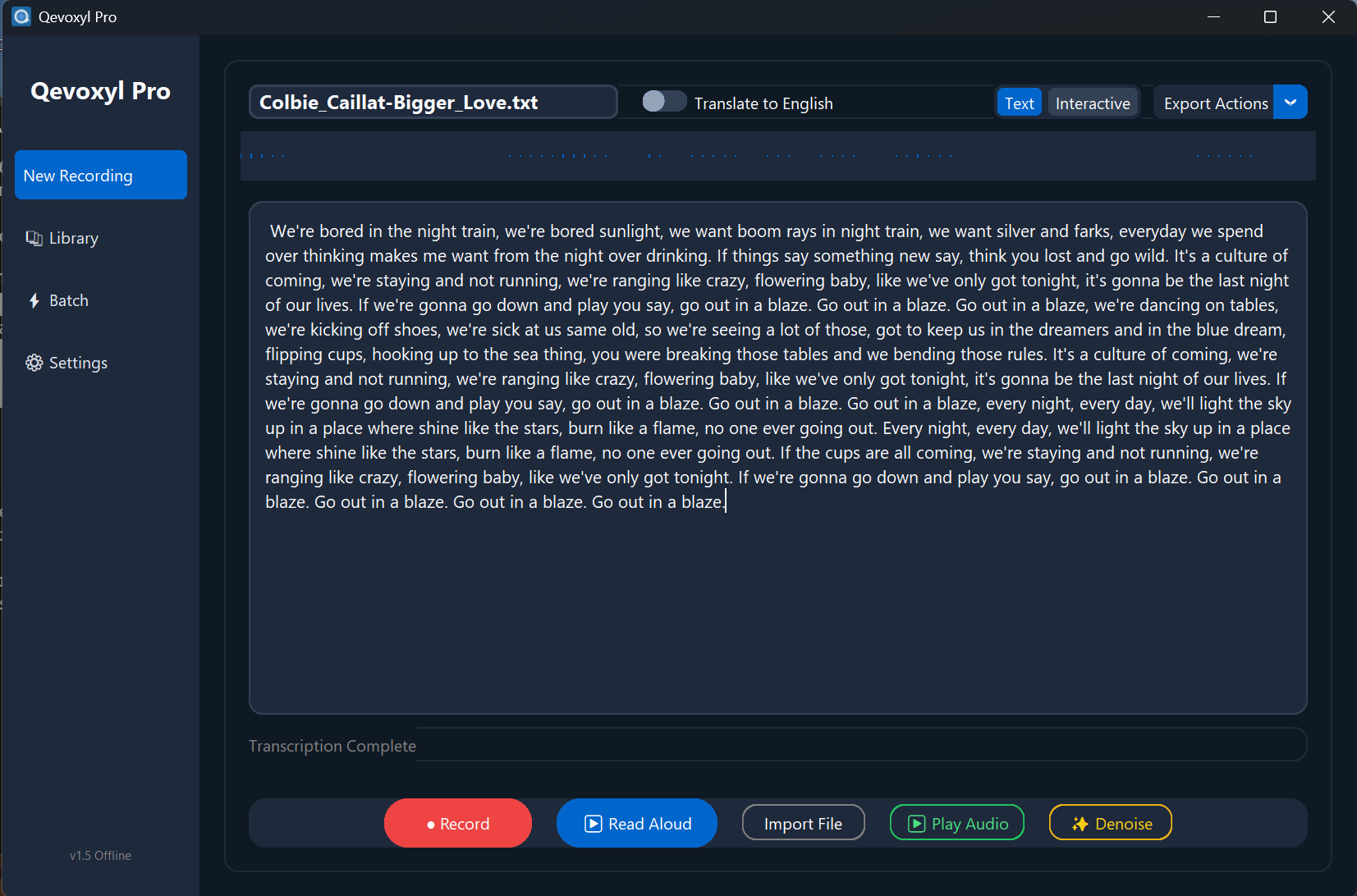
Why Qevoxyl
Simple, installer-grade desktop transcription packed with powerful features.
Private & Offline
Transcribe locally with Whisper. Audio stays on your machine by default—no cloud uploads, no subscriptions. Complete data sovereignty.
Fast GPU/CPU Inference
Runs reliably on CPU (fp32) and leverages CUDA for lightning-fast fp16 acceleration when available.
Audio Path Hardening 1.5.0
Advanced FFmpeg pre-conversion automatically sanitizes and repairs incoming audio formats.
Offline Translation
Translate non-English audio directly to English text during offline transcription.
TTS Options
Read transcripts aloud using lightning-fast offline system voices or high-quality online TTS.
Premium CustomTkinter UI
A beautiful, responsive dark-mode application interface that feels native and modern.
Advanced Toolkit
How it works
From mic to text in three simple steps.
Record or Import
Capture audio with the built-in recorder, or simply drag and drop an existing WAV/MP3 file.
Transcribe Locally
Select your desired Whisper model size. Qevoxyl runs the decoding on-device—no internet needed.
Copy or Speak
Copy the sterilized text, translate it, or have the application read it back to you via TTS.
Frequently Asked Questions
Answers to common questions about Qevoxyl.
Where are models and recordings stored?
By default, all your data including models, recordings, voice settings, and logs
are safely stored locally in your %LOCALAPPDATA%\Qevoxyl\ directory.
Can I use Qevoxyl via right-click in Explorer?
Yes! The installer adds a convenient "Transcribe with Qevoxyl" option to the
Windows context menu for .wav and .mp3 files.
Does it require an internet connection?
You only need an internet connection the first time you download a specific Whisper model size or if you choose to enable the optional Online Text-to-Speech (TTS) feature. Otherwise, it operates 100% offline.
Privacy Highlights
Qevoxyl is built for privacy. Here's the quick version.
- ✓ Offline by default — all transcription runs on your PC. No cloud uploads.
- ✓ Your data stays local — audio, text, and models are stored safely on your device.
- ✓ No tracking — we don't collect personal data, telemetry, or usage analytics.
- ✓ Optional only — internet is needed once for model download, or if you enable TTS.
- ✓ You're in control — delete your recordings and transcriptions anytime.
Get Qevoxyl 1.5.0
Per-user installer. No admin required. Windows 10/11 (x64).
Verify Integrity: SHA-256 c63fa605801274c3c6109a5ed1a54cb6b85d775a711d75e38d1e45f36faea045
System Requirements
- Windows 10/11 (x64)
- VC++ 2015–2022 runtime
- ~200MB+ disk space
Storage Paths
- Data:
%LOCALAPPDATA%\Qevoxyl\ - Privacy: Nothing leaves your machine.